
Tap on Profile and tap on Add a person.
Each person can have their own avatar and calories.
Add people to plan
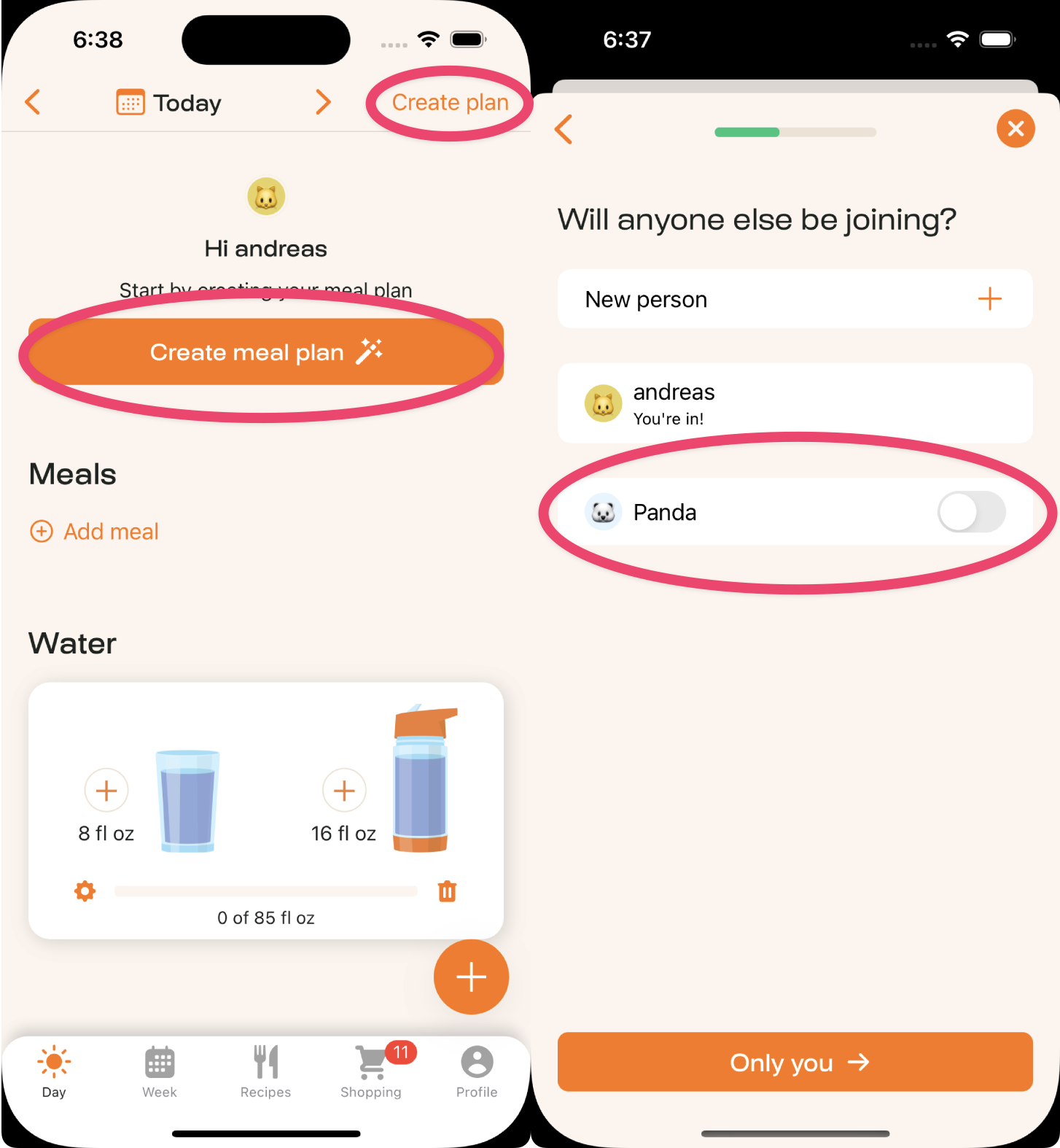
Tap create meal plan and then go through the steps. On the screen that asks will anyone else be joining, select the extra people.
Add people to a meal
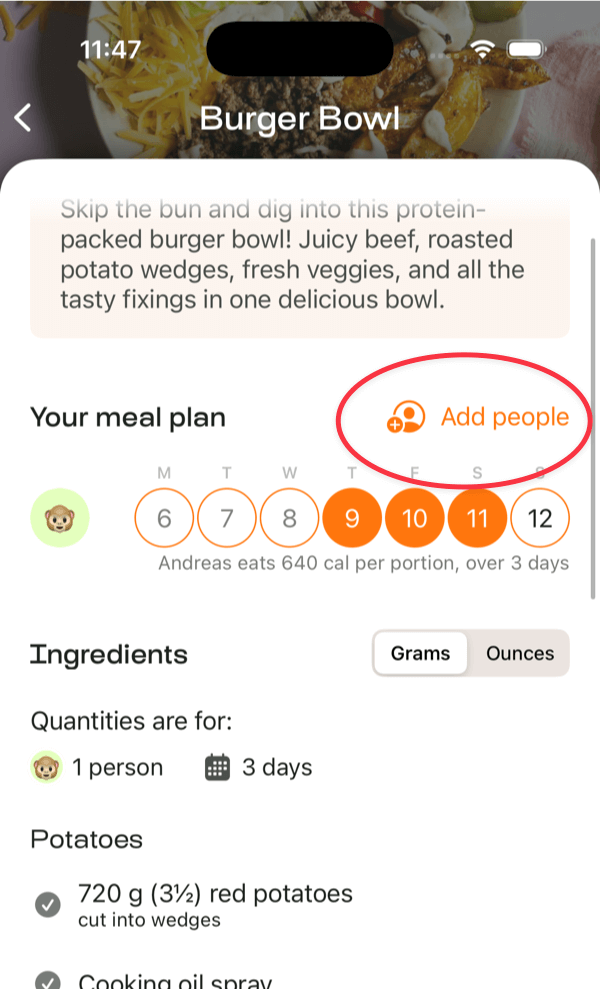
If you want to add someone to a specific meal in your plan, tap on Add People.
Add access for your partner or family
If you'd like your partner or family to get access to MealPrepPro so you can plan, shop and cook together, you can do so by sharing a login.